

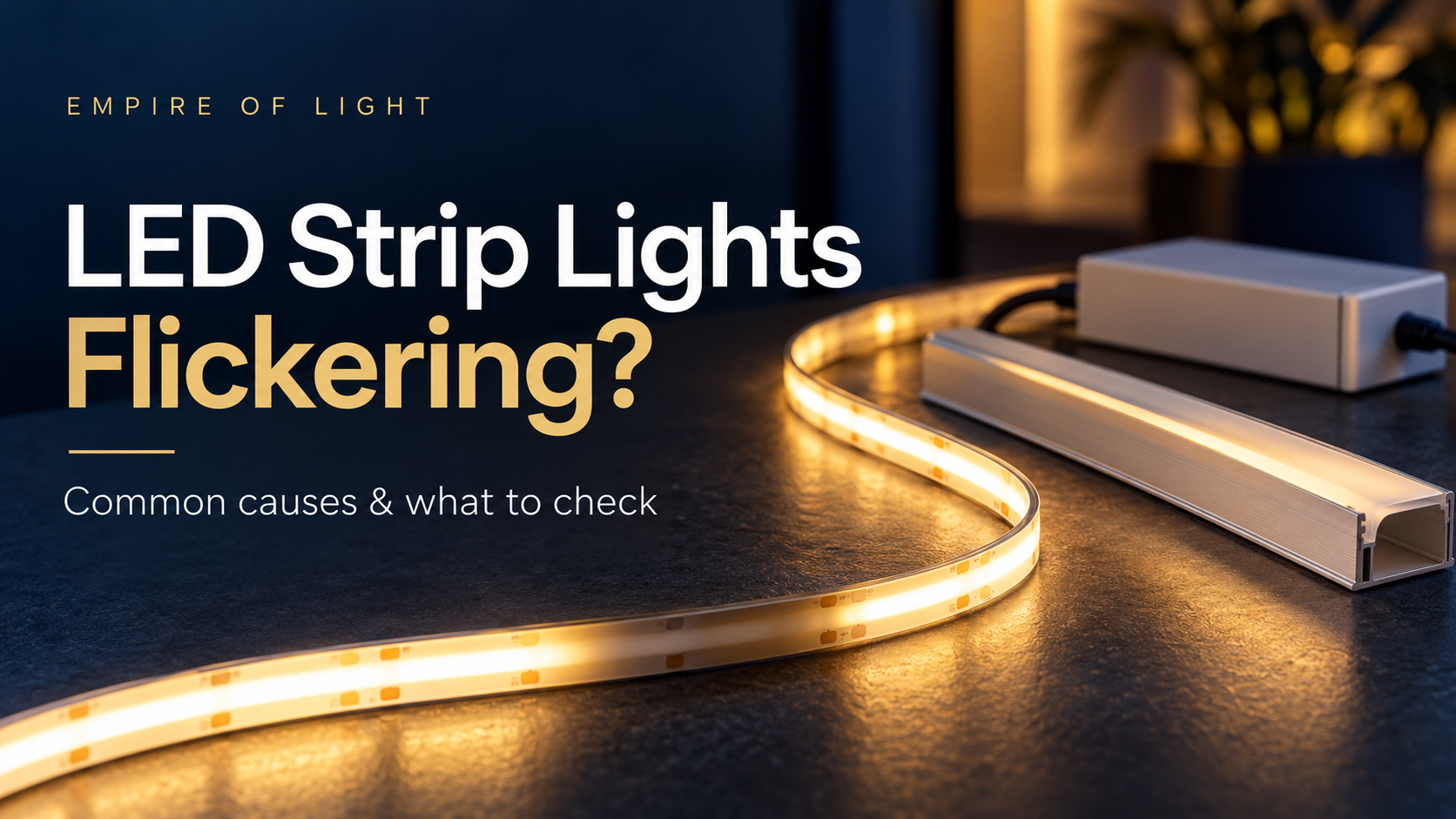
LED strip lights flickering can point to a mismatch between the strip, driver and dimmer, an overloaded component or a poor connection. Before replacing the strip, note when the problem happens: only while dimming, across the whole run, at one join or after the lights have warmed up. That pattern helps narrow the checks.
Safety first: Switch the lights off before inspecting accessible low-voltage connections. Do not open a driver or work on mains wiring. Have a licensed electrician investigate hardwired equipment, damaged cables, burning smells or repeated tripping.
Quick guide: match the symptom to the check
| What you notice | What to check |
|---|---|
| Flickering only at low brightness | Driver and dimmer compatibility, supported dimming range and minimum load. |
| The whole strip flashes or repeatedly switches off | Driver voltage, total connected load and protection behaviour. |
| One section flickers near a join | Connector fit, strip width, contact alignment and signs of damage. |
| The far end is dimmer | Run length and voltage drop; uneven brightness is not always flicker. |
| The problem starts after warm-up | Driver ventilation, mounting conditions and temperature limits. |
1. Check the dimming system first
If the strip is stable at full brightness but flickers when dimmed, record the dimmer, driver and controller model numbers. A driver marked “dimmable” still needs the correct control method: phase-cut, 0–10V, DALI and low-voltage PWM are different systems. Check the manufacturer’s compatibility information and supported load range.
Ask your installer whether the combination supports the brightness level you want. Raising the setting can help identify a low-end problem, but it does not establish that the installation is correctly matched. Browse LED smart controllers and confirm compatibility before ordering.
2. Match voltage and calculate the connected load
Read the strip’s voltage and watts-per-metre specification. A 24V constant-voltage strip needs a compatible 24V constant-voltage supply; a larger wattage rating does not make a different voltage suitable.
For example, 5 metres of strip rated at 10W per metre has a nominal strip load of 50W. Include every connected run, controller requirements and the manufacturer’s temperature derating and loading instructions when selecting equipment. Do not assume one spare-capacity percentage suits every driver. Our 24V LED driver guide explains the selection process; compare specifications in our LED driver range.
3. Inspect accessible connectors with power off
A loose or unsuitable connector is worth checking when the problem affects one joint or section. Check the connector’s stated strip width, pin count and current rating against the strip. Water-resistant coatings can also affect which connector is suitable. Stop using damaged or heat-discoloured parts and ask an installer to assess them.
See our LED strip connectors versus soldering guide before choosing a connection method.
4. Separate voltage drop from flickering
A consistently dimmer far end needs a different investigation from a whole strip that flashes. Give your installer the strip length, watts per metre and cable distance from the driver. Follow the strip manufacturer’s maximum run length and have the cable and feed arrangement checked. Do not turn up a power supply’s output voltage to compensate without explicit manufacturer guidance.
5. Check heat and mounting conditions
Tell your installer if flickering begins only after the lights have been on for a while. Driver protection and installation conditions need checking against the actual product instructions. Keep ventilation openings unobstructed and use the specified mounting method. Our COB strip and aluminium profile guide covers mounting considerations.
Questions about flickering LED strip lights
Will buying a bigger driver fix flickering?
Only if insufficient capacity is the cause and the replacement also matches the voltage, control method and installation requirements. Compatibility and load limits still matter.
Can COB LED strip lights flicker?
COB describes the strip construction. It does not guarantee that every driver and controller combination will dim smoothly. Check the complete system.
Why do the lights look steady but show bands on my phone?
A camera can reveal modulation that is less obvious to the eye. Recording settings and the lighting’s dimming method can both affect the result. If the space is used for filming, ask for suitability at the intended brightness and test the actual combination.
Get help choosing compatible components
Contact Empire of Light with the strip voltage, watts per metre, total length, driver and controller model numbers, and when the flicker occurs. We can help compare product specifications before you buy. Explore our LED strip lights for replacement or new projects; electrical fault diagnosis and mains work should be handled by a licensed electrician.
Technical background: MEAN WELL’s LED strip dimming guidance and LED power supply application FAQs. Always follow the instructions for your specific products.